PDFbat guides and articles
Practical guides for PDFbat: edit, convert and sign pdfs, step by step.
Small business paperwork, from quote to payment
A practical small business workflow: intake form, proposal, signed contract, quote, invoice and payment, plus a website with a booking form.
Read the guide
Forms that finish the paperwork: turn every response into a signed document
Turn each form response into a finished, signed document automatically. Templates, Word placeholders, e-signature, approvals and storage, step by step.
Merge, split and organize PDFs like a pro
Combine files into one tidy PDF, split big documents into parts, and reorder, rotate and number pages. Practical workflows for everyday PDF housekeeping.
How to summarize a long PDF with AI and check every point
Turn a long report, contract or scan into a summary with page numbers, then ask follow up questions. Step by step, with tips for checking the result.
How to password protect a PDF for free
Lock a PDF with AES 256 encryption so only people with the password can open it, choose what they may print or copy, and share the password safely.
How to fill out a PDF form online and save it
Type into PDF form fields, tick boxes, pick from dropdowns, sign and date, then save a copy that keeps your answers. Works for flat forms too.
How to edit text in a PDF without converting it to Word
Change the words already in a PDF, right in your browser, with no round trip through Word. Steps, font tips, scanned pages and checks before you send.
Make scanned PDFs searchable with OCR
Turn scanned PDFs into searchable, copyable documents with OCR. Learn how to scan well, pick languages, handle mixed text and check the result for errors.
Sending documents for e-signature: signing order, reminders and audit trails
How to send a PDF for e-signature the right way: choose a signing order, set reminders and expiry, verify identity, and keep an audit trail you can trust.
AI writing help you can check: drafts, summaries and answers with citations
How to use AI on your own documents without trusting it blindly: ask with page citations, summarize, draft and extract data, then verify.
How to convert a PDF to Word and keep it editable
Turn a PDF into an editable Word file, fix the usual layout problems, and learn when it is smarter to edit the PDF directly instead of converting it.
How to sign a PDF online, on any device
Sign a PDF in your browser on a laptop or phone: draw, type or upload a signature, fill real form fields, add dates and initials, then flatten and send.
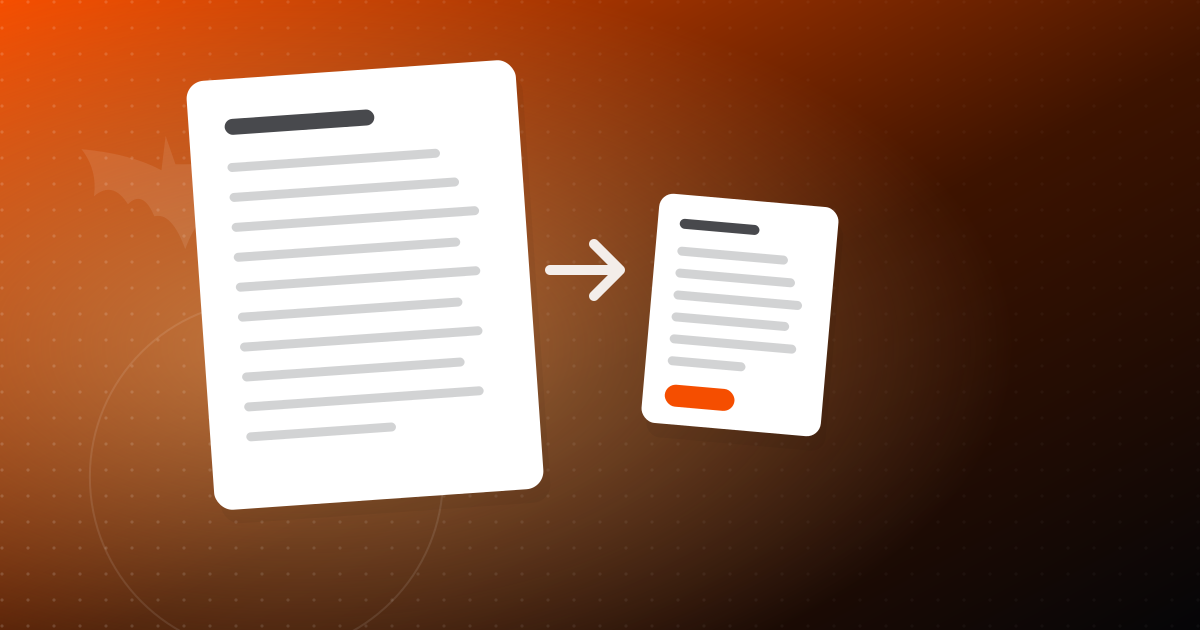
How to compress a PDF without losing quality
Learn why PDFs get big, which compression level to pick, and how to shrink files for email and uploads while keeping text sharp and images clear.