Edit Word documents online
Open a .docx in the browser and change text, lists, tables, pictures and links with a familiar ribbon. Save it back as Word or export a PDF.
- .docx, .docm and .dotx
- Styles, fonts and paragraph formatting
- Works on phones
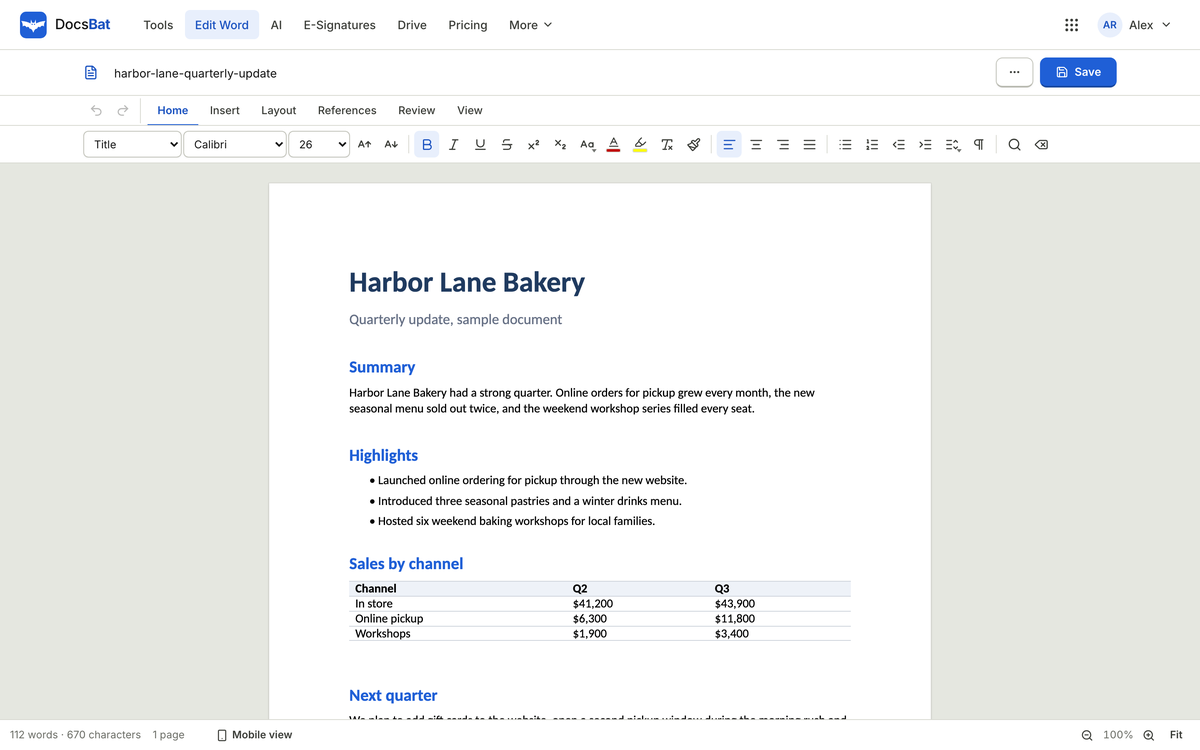
Open, edit and create .docx files without installing anything. Draft with AI, convert between Word and PDF with the layout kept, and send documents for signature.
Try everything free for 3 days, no card needed.
A real screenshot of DocsBat with sample data
Scroll through the real app. Every screen below is a screenshot of DocsBat with sample data.
Open a .docx in the browser and change text, lists, tables, pictures and links with a familiar ribbon. Save it back as Word or export a PDF.
Metric compatible font twins keep your line and page breaks, and lists, tables, pictures, headers, footers and page numbers come through intact.
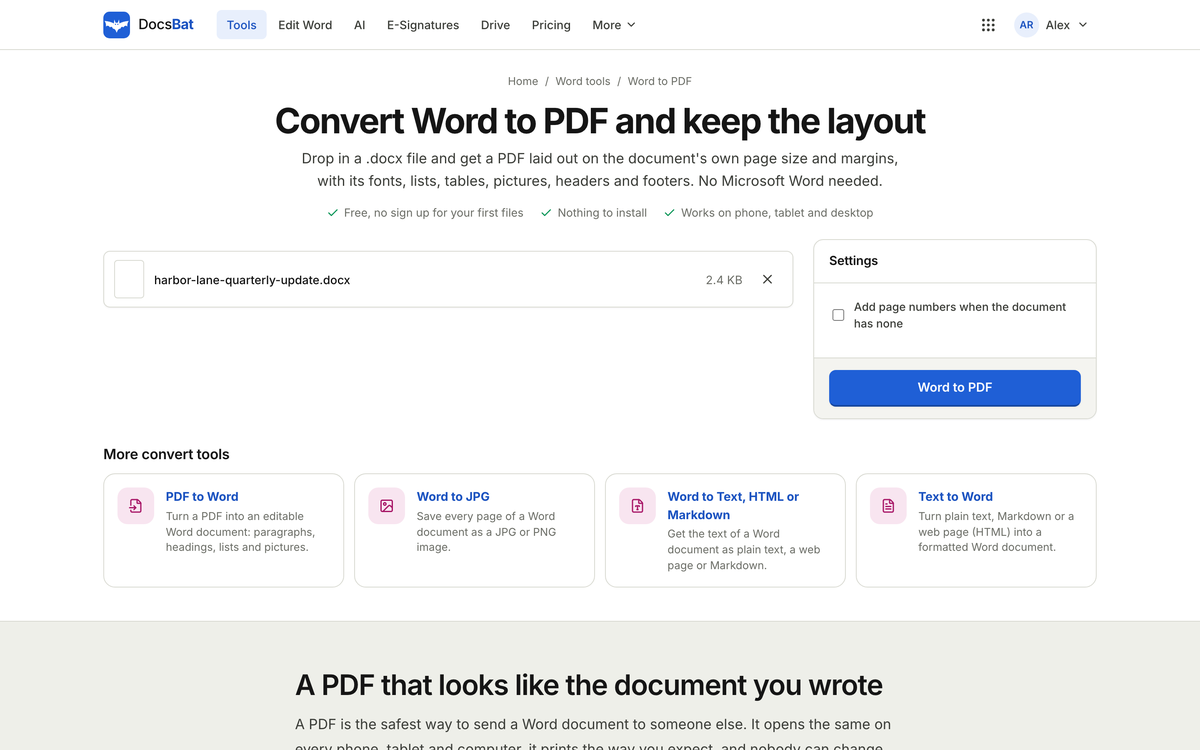
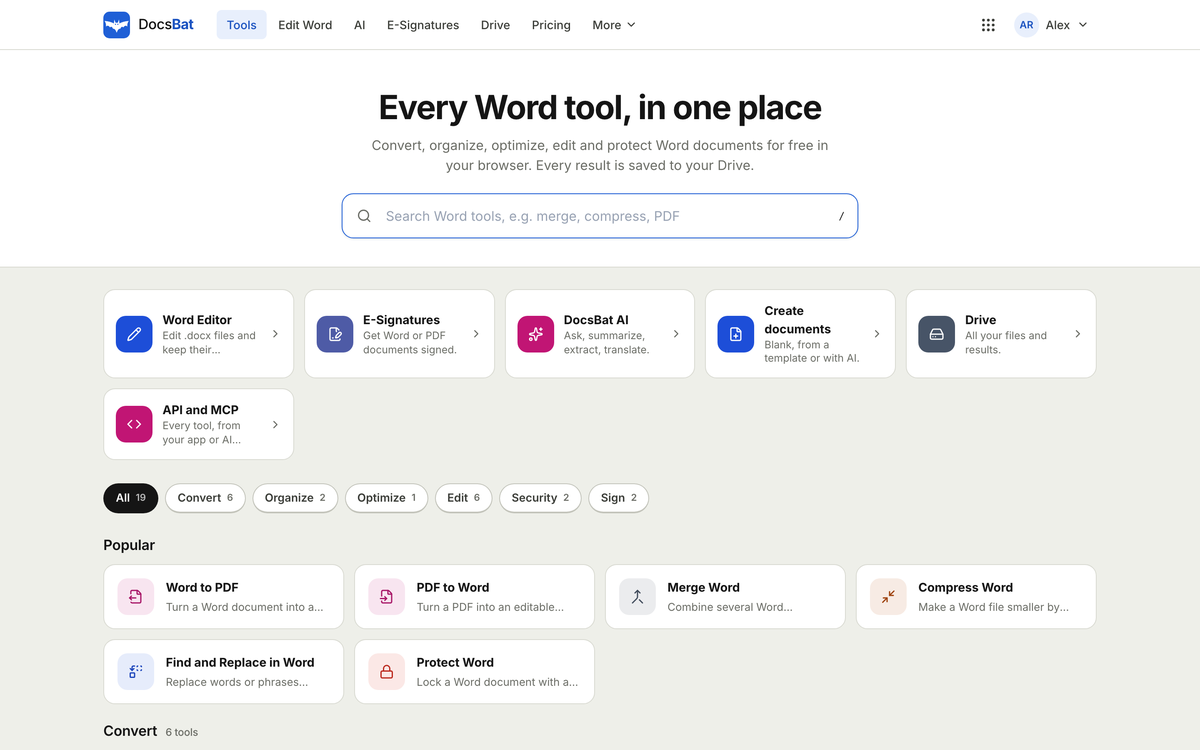
PDF to Word, Word to JPG, merge, split by heading, compress, find and replace, watermark, page numbers, accept changes, protect and unlock.
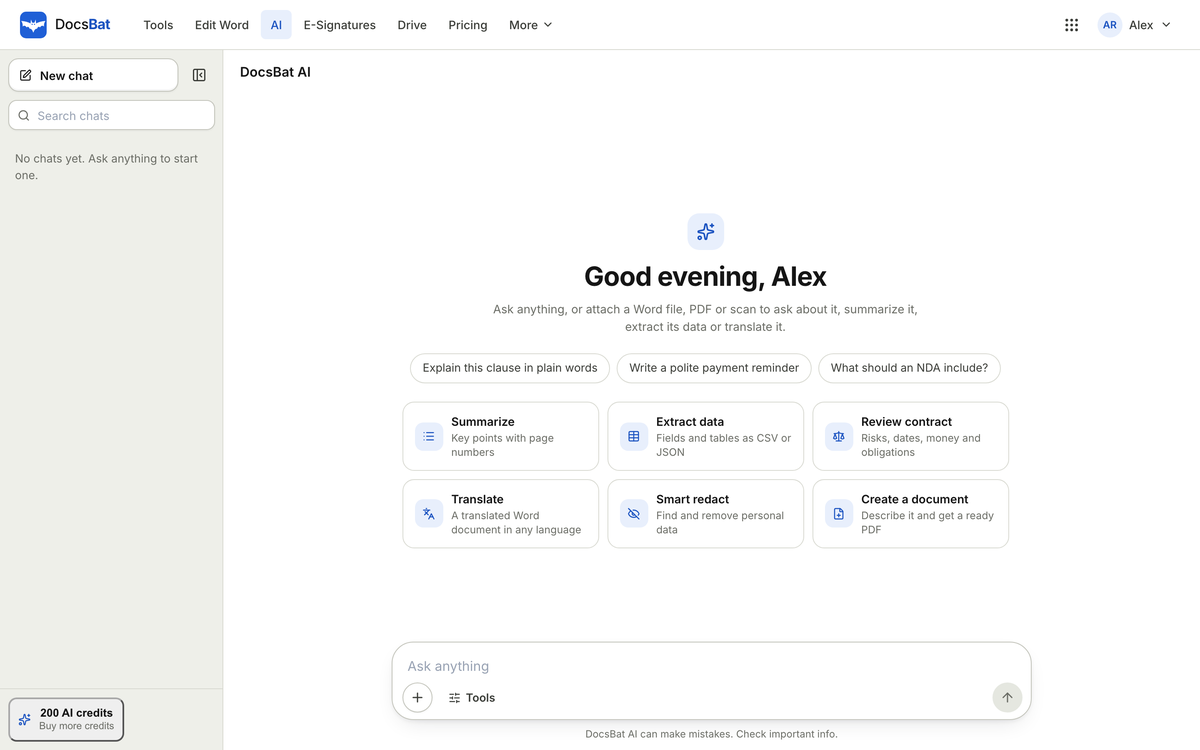
Draft from a short brief, summarise a long report, translate, extract tables and ask questions that cite the page the answer came from.
Keep Word files and PDFs in folders, open any of them in the editor or a tool, and share a link when you are ready.
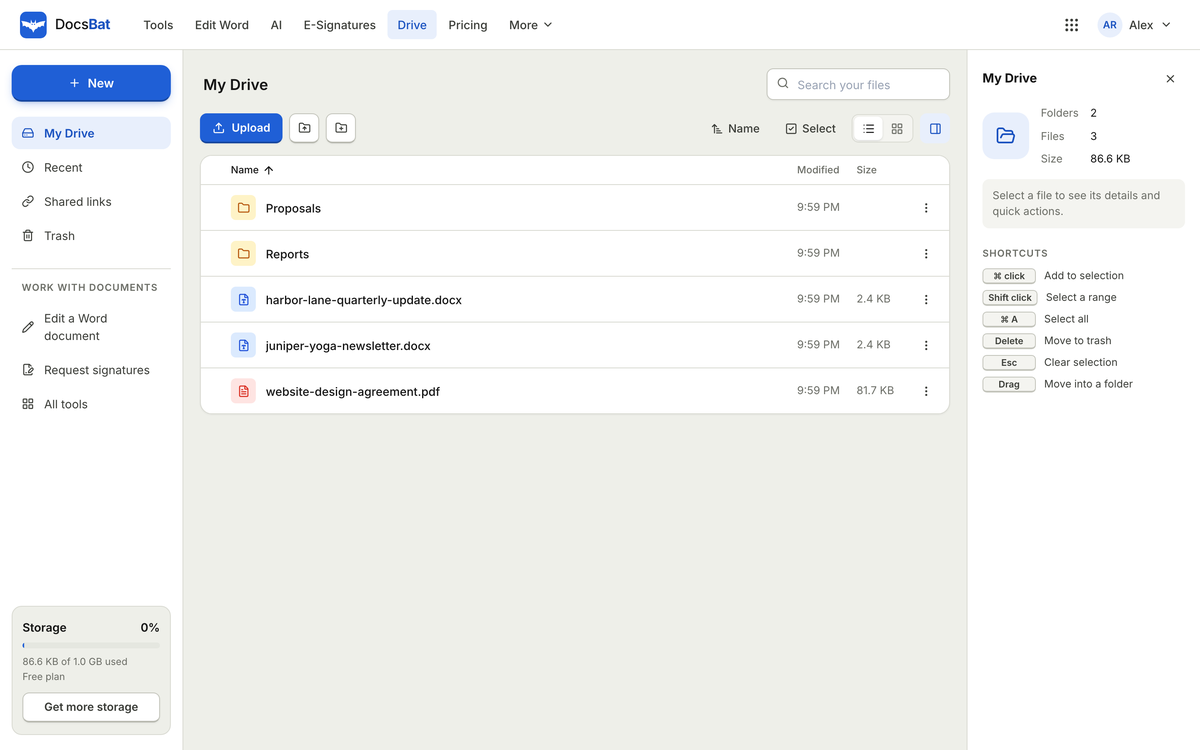
Pick a tool to see what it does. Every one runs in the browser and saves the result to your Drive.
Converts .docx to PDF with metric compatible fonts, so line and page breaks stay where they were.
Open the toolsEdit text, lists, tables, pictures and links in .docx, .docm and .dotx files, then save as Word or export a PDF.
Draft text, summarise long documents, translate, extract data to JSON or CSV and ask questions with page citations.
Metric compatible font twins keep the layout, with lists, tables, pictures, headers, footers and page numbers intact.
Merge, split by heading or page break, compress, find and replace, watermark, page numbers, protect and unlock.
Send a document for signature with signing order, reminders and a sealed PDF. Word files are converted to PDF for signing.
Your documents are kept in your OfficeBats Drive, shared by every Bats app, with folders, share links and a trash you can restore from.
Upload a .docx, start from a template or ask AI for a first draft.
Change text, tables and pictures, or run a Word tool like find and replace or page numbers.
Save as Word, export a PDF with the layout kept, or send the document for signature.
The same OfficeBats account signs you in to every Bats app, so work flows from one to the next without another password or another bill.
One OfficeBats plan covers DocsBat and the six other apps. Pick Free, Pro or Business once.
| DocsBat | Free | Pro | Business |
|---|---|---|---|
| Price, covers all seven apps | $0 | $10.99 a month | $19 a month |
| Word tool tasks | 10 a day | Unlimited | Unlimited |
| Largest file | 25 MB | 100 MB | 100 MB |
| Signature envelopes | 3 a month | Unlimited | Unlimited |
| Word to PDF, PDF to Word and 15 more tools | Included | Included | Included |
| DocsBat AI with page citations | Included | Included | Included |
| Shared AI credits each month | 300 | 5,000 | 20,000 |
DocsBat lets you open a Word document in any browser, change it and save it back as a .docx without installing an office suite. Text, lists, tables, pictures and links are editable on the page, and the file you download is a normal Word document.
When you need a PDF, DocsBat converts Word to PDF with metric compatible font twins, so a document set in Calibri or Cambria keeps its line and page breaks. It works the other way too: convert PDF to Word to edit a document you only have as a PDF.
DocsBat AI drafts text from a short brief, summarises long reports, translates documents and answers questions with citations to the page it found the answer on. It draws from the AI credit wallet shared by every OfficeBats app.
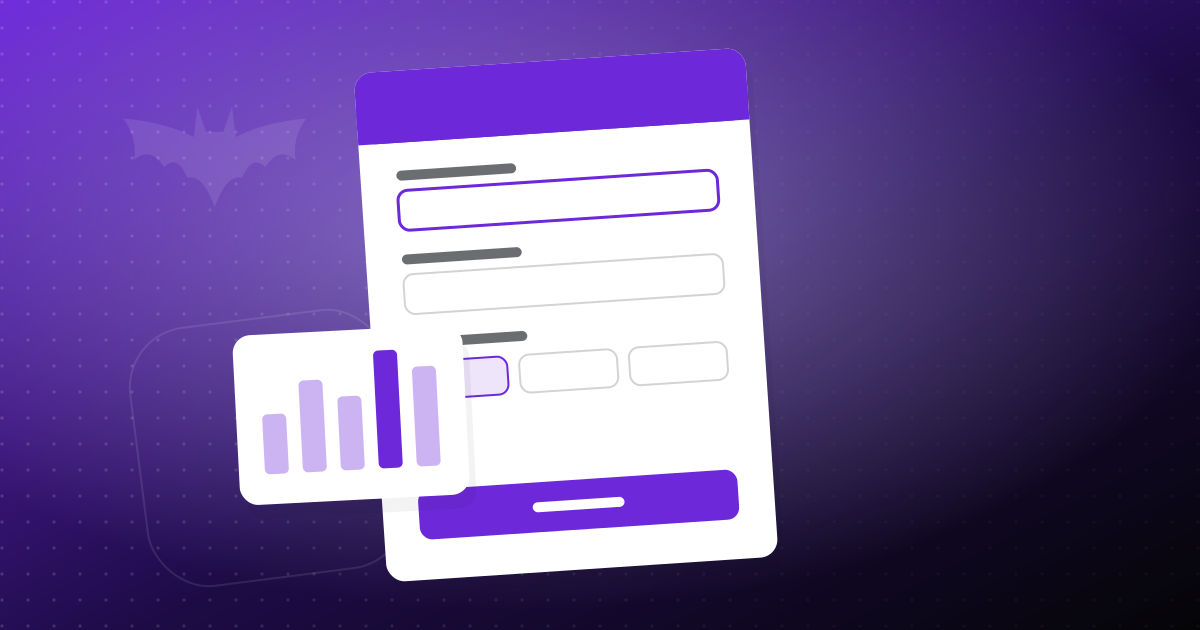
Turn each form response into a finished, signed document automatically. Templates, Word placeholders, e-signature, approvals and storage, step by step.
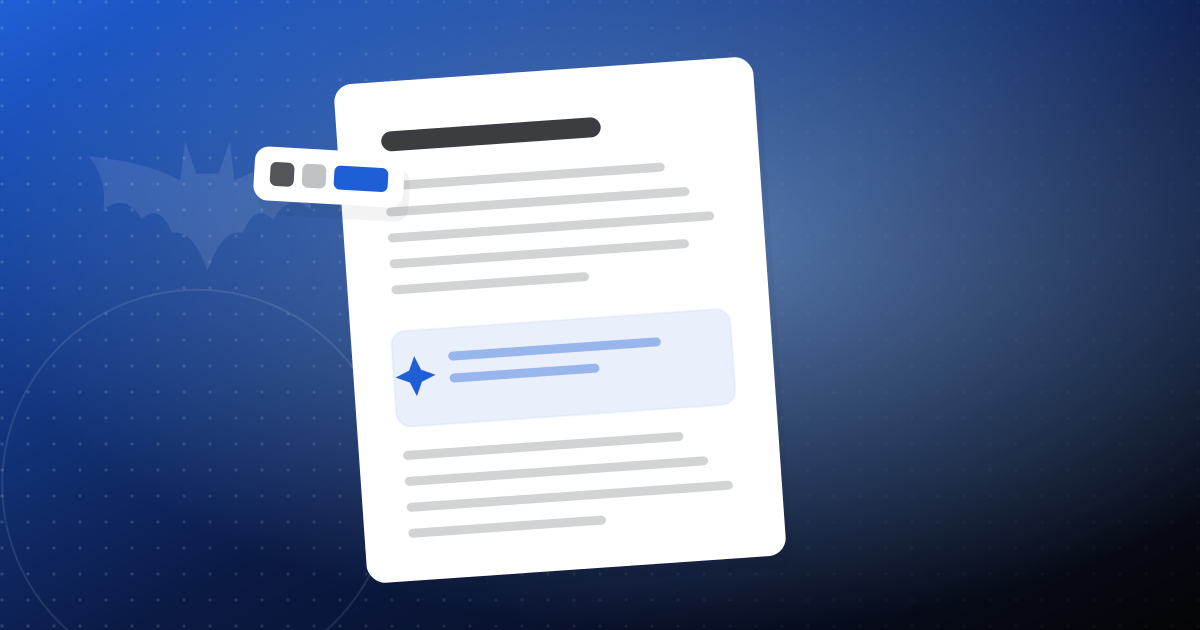
Build a table of contents with page numbers from your headings, keep it up to date as you edit, and save it as a real Word field. No desktop Word needed.
Turn a short brief into an editable Word proposal with AI, then fix the facts, tighten the scope and send it as a PDF. A practical, honest workflow.
Yes. DocsBat opens .docx, .docm and .dotx files in the browser and saves them back as .docx, or exports a PDF.
Not yet. DocsBat works with the modern .docx format. Save an old .doc as .docx in any word processor first.
DocsBat uses metric compatible fonts so line breaks and page breaks land where they did in Word, and keeps lists, tables, pictures, headers, footers and page numbers.
Unlimited tool tasks and envelopes, files up to 100 MB and a 100 GB Drive shared by every Bats app, plus Pro in every other Bats app.
Yes. Open a Word file from your Drive and invite people: everyone sees the others' cursors, edits merge as you type, and comments can @mention people.
Create a free account once and use it for DocsBat and every other Bats app.