A free office suite for small business, and what free really includes
What a free office suite should cover for a small business, what the OfficeBats Free plan includes in each app, and when it is worth paying.
"Free" is the most stretched word in software. Sometimes it means a full product. Sometimes it means a trial that ends in a week, or a demo that cannot save anything. If you run a small business, you need to know which kind you are getting before you put your invoices or your customer forms into it.
This guide covers what a small business usually needs from an office suite, exactly what the OfficeBats Free plan includes in each app, where the limits are, and how to tell when paying makes sense. We make OfficeBats, so read it with that in mind; we have tried to be specific rather than flattering.
What a small business actually needs
Most small businesses touch the same handful of document jobs every week:
- PDFs: fill in, sign, compress, merge and convert them.
- Word documents: proposals, letters, contracts and policies, usually as
.docxbecause that is what clients send. - Spreadsheets: budgets, price lists, schedules and simple trackers.
- Presentations: a pitch, a quarterly update, a one page summary.
- Forms: bookings, enquiries, sign ups and feedback.
- Invoices and books: quotes, invoices, expenses and a view of profit.
- A website: somewhere customers can find your hours, prices and contact details.
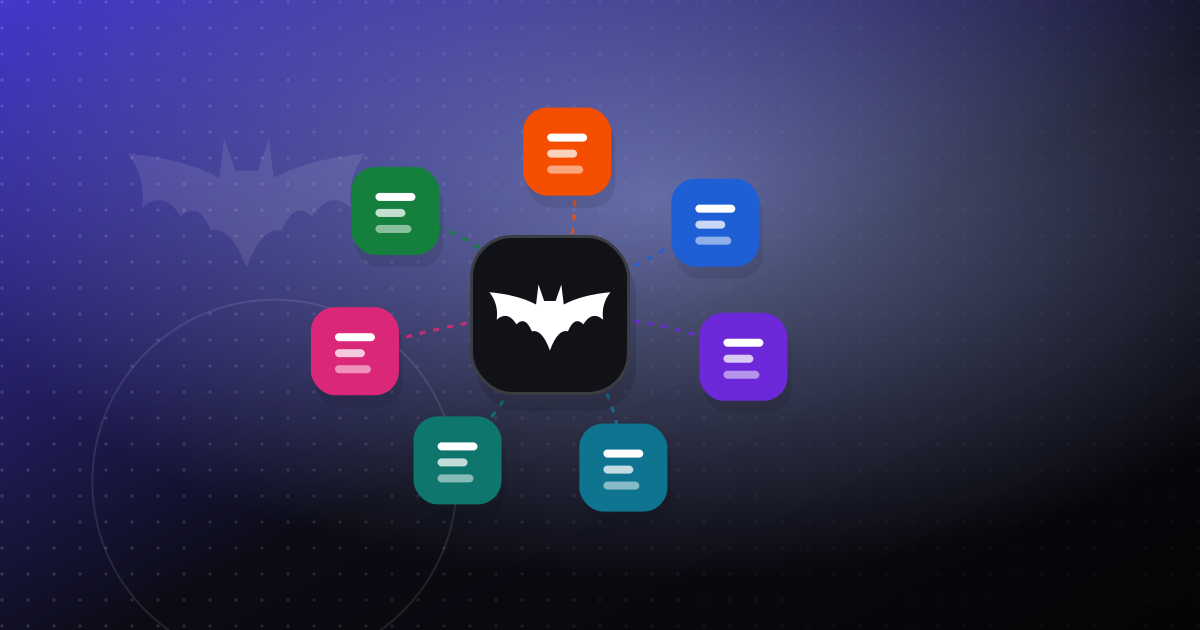
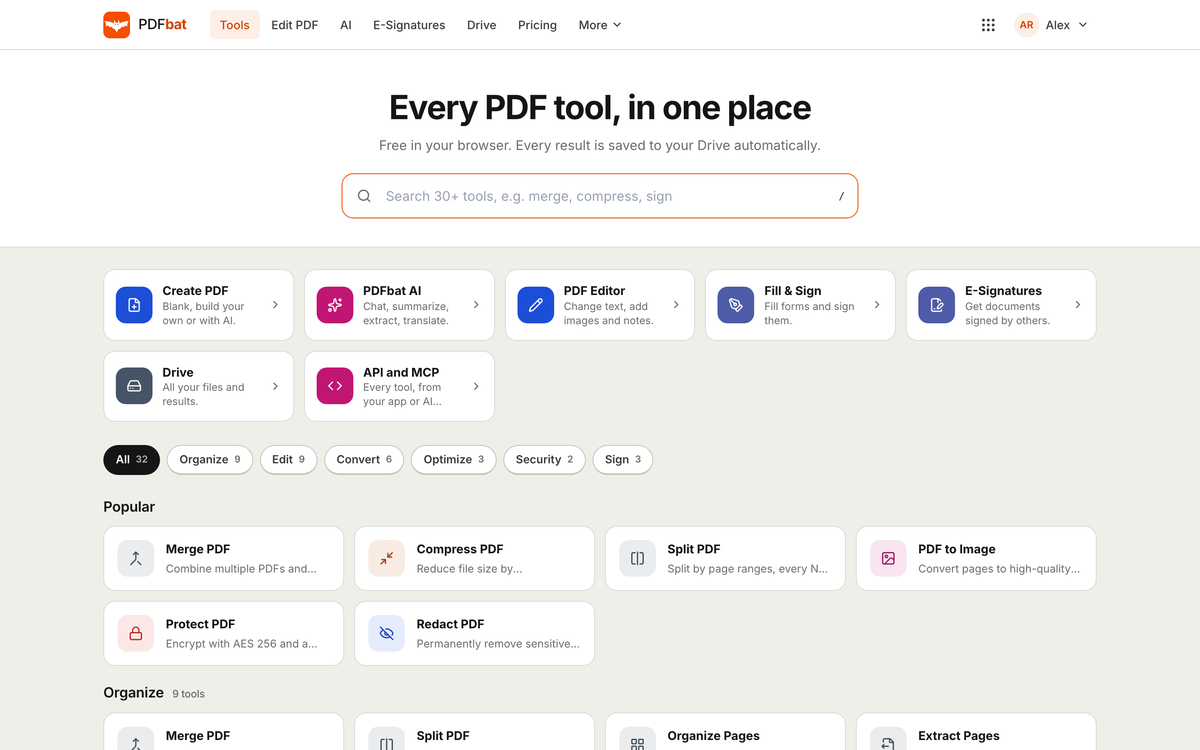
Most office suites cover the first four. OfficeBats covers all seven with seven apps that share one account: PDFbat, DocsBat, SheetsBat, SlidesBat, FormsBat, BooksBat and Buildan.app.
What OfficeBats Free includes
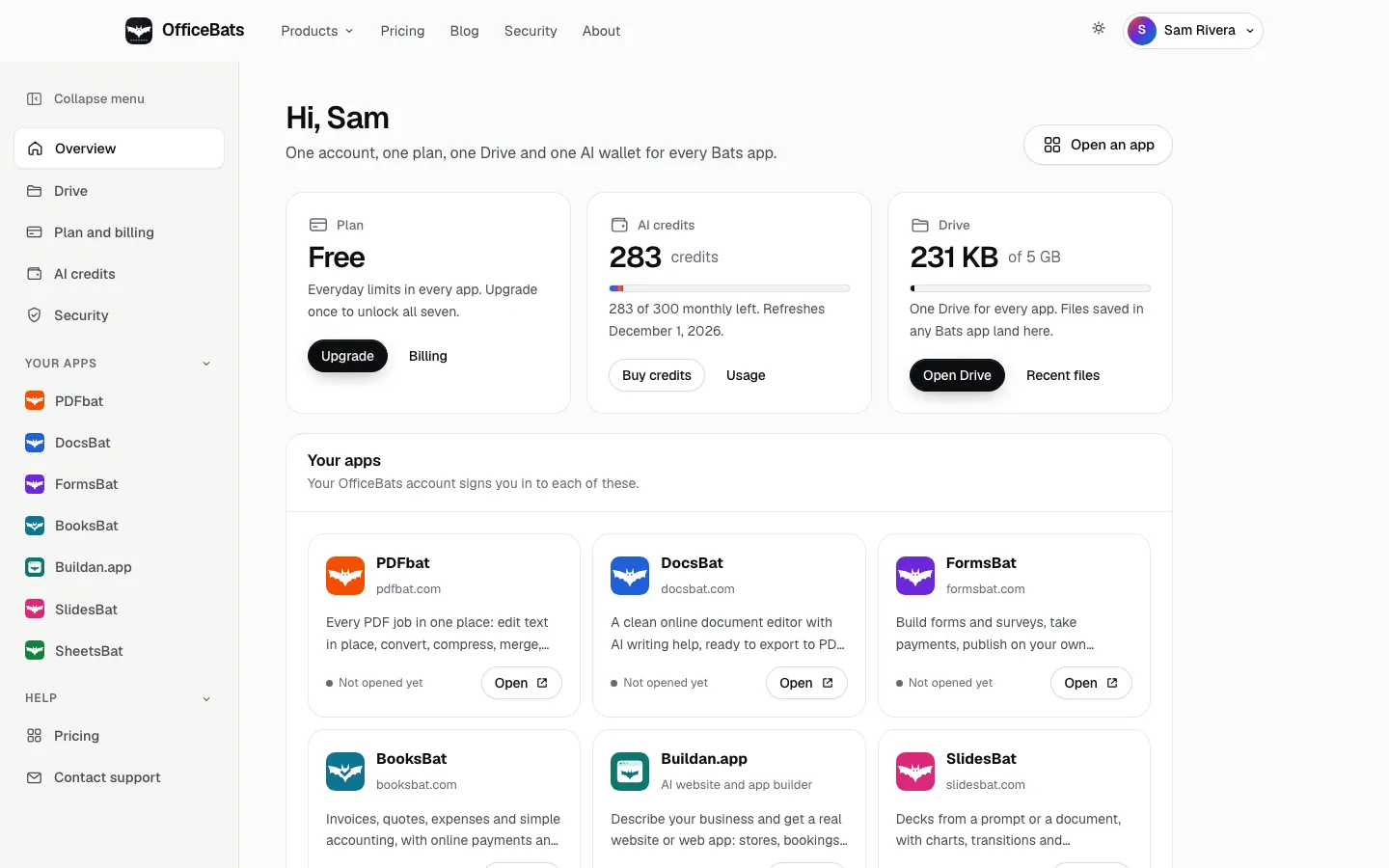
The Free plan is not a trial. It does not expire, it needs no card, and it gives you every app with everyday limits:
| App | What Free includes |
|---|---|
| PDFbat and DocsBat | Every PDF and Word tool, 10 tasks a day |
| FormsBat | Unlimited forms, 1,000 responses a month |
| BooksBat | 5 invoices and quotes a month |
| SheetsBat | 25 workbooks, up to 500,000 cells each |
| SlidesBat | 10 decks or memos |
| Buildan.app | 2 websites on a free subdomain |
| Drive | 5 GB, shared by every app |
| AI | 300 AI credits a month, shared by every app |
| Security | Two factor sign in |
A few things are worth calling out because they are often paid extras elsewhere:
- Live co-editing, comments and sharing work on Free in every app except BooksBat, where adding team members starts on Pro. See real time collaboration across office apps for how it works and the per app limits, such as 3 collaborators per workbook in SheetsBat.
- Opening and saving Office formats. DocsBat edits
.docxfiles and SheetsBat opens and saves.xlsx,.odsand CSV, so you can work with what clients send you. - One Drive. Files from every app land in the same place, with share links that you can set to expire.
The 3 day trial and welcome credits
Every new account starts with Pro in all seven apps for 3 days, with no card needed. It is a chance to try the bigger limits on your real work, such as more responses, unlimited invoices or a custom domain. When the 3 days end, the account simply stays on Free unless you choose a plan. Nothing is charged automatically, because there is no card to charge.
When you confirm your email address, you also get 2,500 AI credits once, meant for building your first website with Buildan.app. Welcome credits never expire, and you can spend them in any app, for example to draft a document in DocsBat or write a formula in SheetsBat. Our post on how AI credits work explains what different actions cost.
Getting started in five steps
- Create an account at officebats.com/register. One username and password signs you in to every app.
- Confirm your email to collect the welcome credits and to receive emails when someone shares a document with you or mentions you.
- Turn on two factor sign in under Security. With one account for everything, it is worth the minute it takes; see protecting your account with two factor authentication.
- Open the app you need first from the account overview. Each app signs you in with the same OfficeBats account.
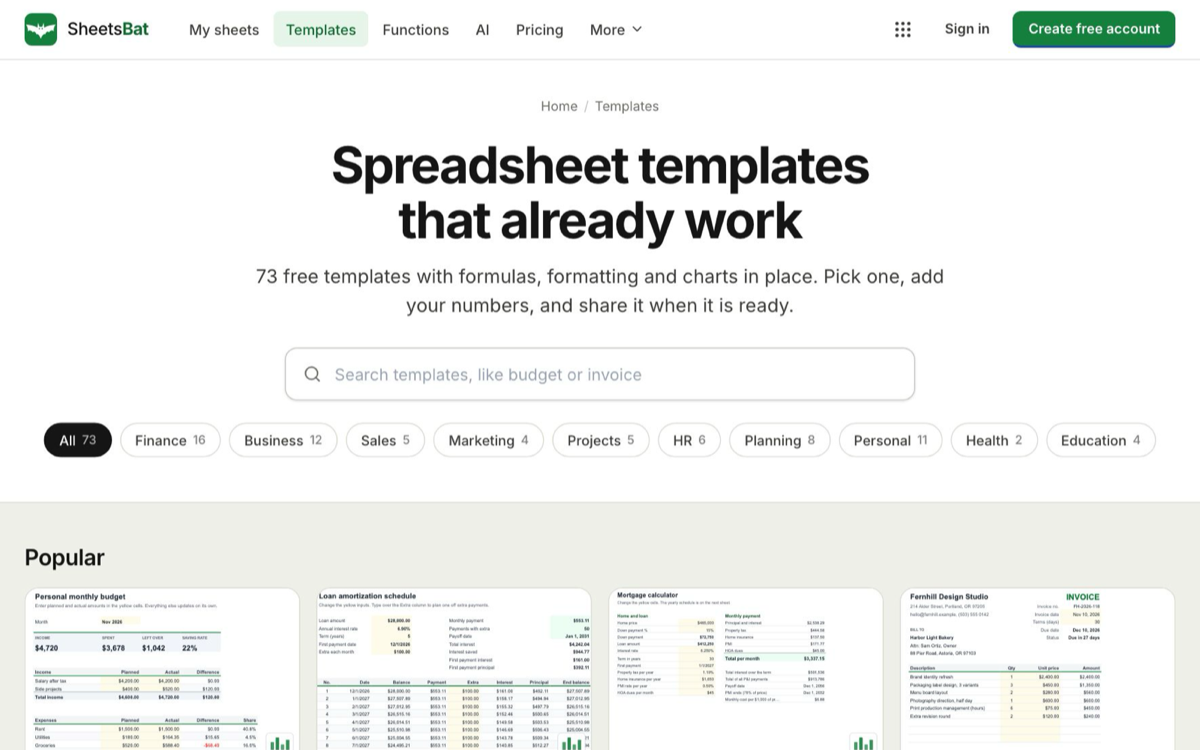
- Start from a template where there is one. SheetsBat alone has 73 free templates, from budgets and invoices to Gantt charts and loan schedules.
Where Free runs out
The limits are designed for a business that is just starting or that only needs a tool now and then. The usual signs you have outgrown Free are:
- You send more than 5 invoices or quotes a month, or you want a bookkeeper on your BooksBat team. Pro has unlimited invoices, seven payment providers and up to 3 users.
- Your forms get more than 1,000 responses a month, or you want a form on your own domain.
- You hit the 10 tasks a day limit in PDFbat or DocsBat on busy days.
- You want your website on your own domain, or more than two sites.
- Your Drive is getting full. Pro has 100 GB and Business 200 GB, and you can add 10 GB storage blocks to any plan.
- You use AI every day. Pro includes 5,000 AI credits a month and Business 20,000.
Pro costs $10.99 a month or $109.90 a year. Business costs $19 a month or $190 a year. Either plan unlocks all seven apps at once, so you never pay for the same account twice. See pricing for every limit side by side.
How it compares, fairly
There is no single best office suite. Some honest points:
If you already pay for a big office and email suite, you probably have documents, spreadsheets and slides covered, plus email, calendar and video calls. OfficeBats does not do email, calendars or video meetings. Where it can still help is the work around documents: PDF editing and e-signatures, forms that feed into documents, invoicing and books, and a website, all on the account you already use for files.
If you rely on desktop software that works offline, keep it for that. OfficeBats runs in the browser. Some apps keep working through a short connection drop and catch up when you are back online, but they are designed to be used online.
If you use several separate free tools, the trade off is usually accounts and limits: one sign in, one Drive and one AI wallet here, against the strongest single tool for each job there. Our fair comparison of a suite and separate tools goes through when separate tools are the better choice.
If you need a specialist feature, check it first. For example, BooksBat covers invoicing and small business accounting, but a business with complex payroll or manufacturing needs may still want a dedicated system. Trying it during the 3 day trial costs nothing.
A sensible free setup for a new business
Here is one way to run a small business on the Free plan:
- A Buildan.app site on a free subdomain with your hours, prices and a contact form.
- A FormsBat booking or enquiry form linked from the site.
- BooksBat for your first quotes and invoices each month.
- DocsBat for proposals and terms, saved as
.docxor PDF. - PDFbat to sign contracts and send documents for signature.
- SheetsBat for the budget and the price list.
- SlidesBat for the occasional pitch or one pager.
- Everything saved in one Drive, shared by link when a client needs a copy.
When one part of that grows, you upgrade once and every app gets the bigger limits. For the bigger picture of how one account ties it together, read one account for every tool.
Frequently asked questions
Is OfficeBats really free?
Yes. The Free plan does not expire and needs no card. It includes every app with everyday limits, a 5 GB Drive shared by all of them and 300 AI credits a month.
What happens when the 3 day trial ends?
Your account stays on the Free plan unless you choose Pro or Business. No card is needed for the trial, so nothing is charged automatically.
How do I get the 2,500 welcome AI credits?
Confirm your email address after you create your account. The credits are added once per account and do not expire.
Can I open Word and Excel files for free?
Yes. DocsBat opens and edits .docx files and SheetsBat opens and saves .xlsx, .ods and CSV files on the Free plan, within its file size limits.
Does OfficeBats include email or video calls?
No. OfficeBats covers PDFs, documents, spreadsheets, presentations, forms, invoicing and accounting, and websites, with one shared Drive. It does not include email, calendars or video meetings.