One Drive for all your office files
Every Bats app saves to one shared Drive. Where files come from, opening them in the right app, share links, the trash and storage per plan.
Until now, each Bats app kept its own Drive. A contract you signed in PDFbat lived in one place, the proposal you wrote in DocsBat lived in another, and the invoice for the same client sat in BooksBat. Finding everything for one job meant opening three apps.
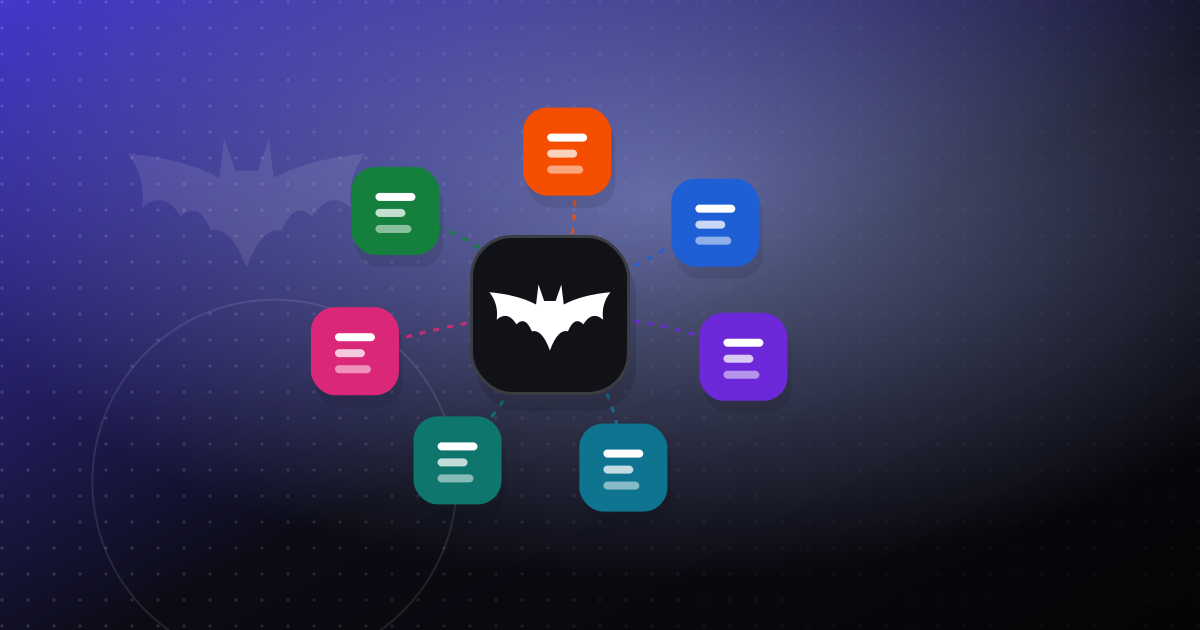
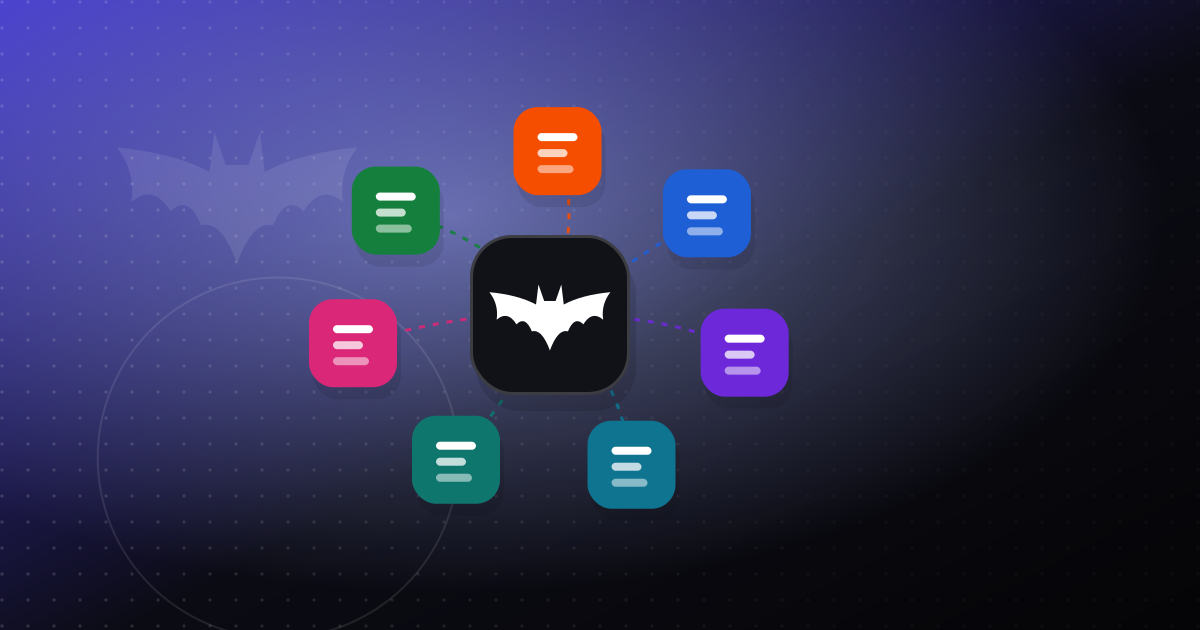
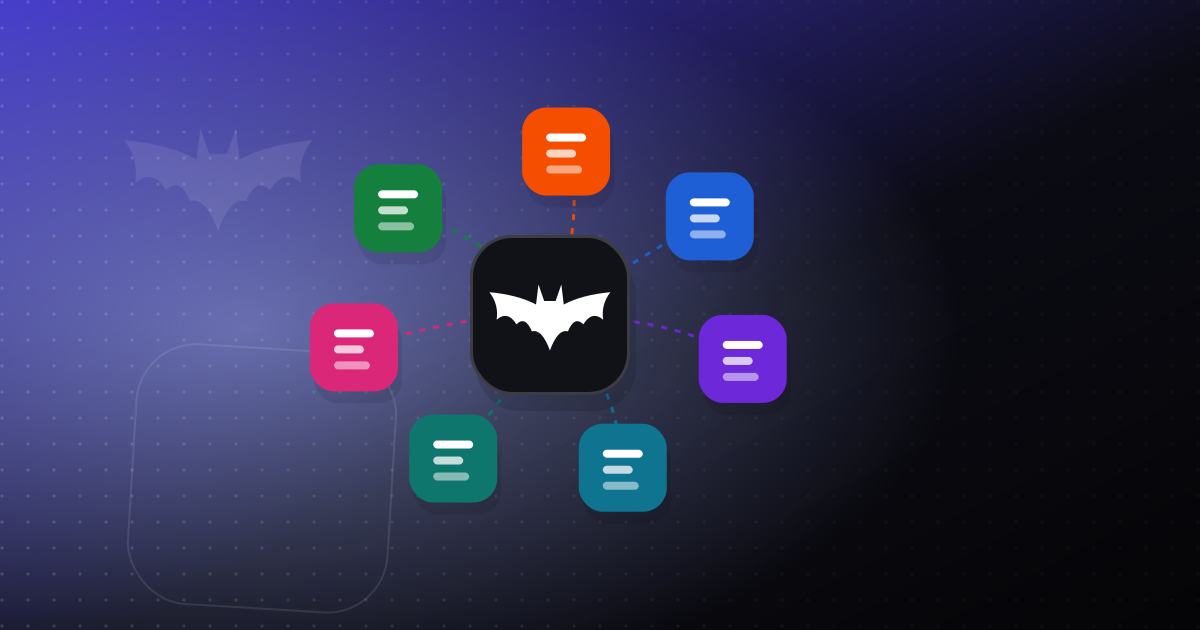
Today that changes. Every OfficeBats account has one Drive, and PDFbat, DocsBat, FormsBat, BooksBat, Buildan.app, SlidesBat and SheetsBat all save to it. You can open it at officebats.com/drive, and each app still saves and opens files from it exactly as before.
Where your files come from
The Drive fills up as you work. You do not need to export anything.
| App | What lands in your Drive |
|---|---|
| PDFbat | Edited, compressed, merged, converted and signed PDFs, each tool's results in its own folder |
| DocsBat | Word documents you write, edit or convert |
| FormsBat | Files people upload in your forms, and documents your forms create |
| BooksBat | Invoice and quote PDFs, receipts and exported reports |
| Buildan.app | Images and files for the sites and apps you build |
Each app keeps its own folder, named after the app, for the files it manages. That keeps tool results apart from the folders you make yourself. Every file also shows a small badge with the app that made it, so you can tell at a glance where it came from.
You can upload your own files too: drag them onto the Drive page or use the Upload button.
Open files in the right app
The Drive is not just a list. From any file's menu:
- PDFs open in the PDFbat editor, or go straight into Fill and sign.
- Word documents (.docx) open in the DocsBat editor.
- PDFs and images preview right on the page, so you can check a file without opening an app.
Because the apps share your OfficeBats account, there is no second sign in and no download and upload in between.
Share a file with a link
Choose Share link on any file and pick one of two kinds of link:
- Private link. Only people you send it to can open it, and search engines are told to ignore it. It works for 1 day, 7 days, 30 days, 1 year or with no expiry, as you choose.
- Public link. A page with a title and description that never expires, for documents you want people to find.
Either way, the person opening it sees a clean page with a preview and a download button. They do not need an account. You can see how many times a link was viewed and downloaded, and remove it whenever you like. Moving the file to the trash turns its link off too.
The trash keeps things for 30 days
Deleting a file or folder moves it to the trash first. For 30 days you can restore it, and a folder comes back with everything that was in it. After 30 days it is deleted for good, or straight away if you empty the trash yourself. Items in the trash still count toward your storage until then.
How much storage you get
Storage belongs to the Drive, not to each app, so you never have one app full while another sits empty.
| Plan | Price | Drive storage |
|---|---|---|
| Free | $0 | 5 GB |
| Pro | $10.99/month or $109.90/year | 100 GB |
| Business | $19/month or $190/year | 200 GB |
If you need more, each storage block adds 10 GB to your Drive for $2.99 a month. Add or remove blocks from your billing page at any time. The Drive page shows how much you have used, and we email you when you reach 80% and again if it fills up, so a save never fails by surprise.
What happened to my old files?
Nothing you need to do. Files you already had in an app's Drive were copied into your OfficeBats Drive with their folders, and their share links moved with them, so links you sent before keep working. If two top level folders had the same name, the one from the app gets "(from PDFbat)" or similar added to its name.
How it compares with general cloud storage
Services like Google Drive, OneDrive and Dropbox are general purpose storage with desktop apps that sync folders to your computer. The OfficeBats Drive does not try to replace them. It has no desktop sync app, and it does not co-edit office files in real time.
What it does is keep the work from your Bats apps together, open each file in the app that made it, and share it with a link. If that is most of what you store, one Drive inside your OfficeBats account is simpler than copying files between services. If you rely on folders that sync in the background, keep using your sync service and download from the Drive whenever you need to.
Try it
Open your Drive if you already have an account, or read more about the OfficeBats Drive. New here? Create a free account and you start with 5 GB that every Bats app can use.