One suite or separate tools? A fair way to decide
A fair comparison of an all in one suite and separate specialist tools, including when separate tools are the better choice, and how to decide.
If you run a small business or work for yourself, you probably handle documents, forms, invoices and a website. There are two broad ways to cover all of that. You can pick one suite that handles most of it under a single account, or you can choose a separate tool for each job and connect them as needed.
We make a suite, OfficeBats, so you should read this knowing that. We have still tried to be fair, because the right answer genuinely depends on how you work. There are real cases where separate tools are the better choice, and we cover those too.
The two approaches
A suite
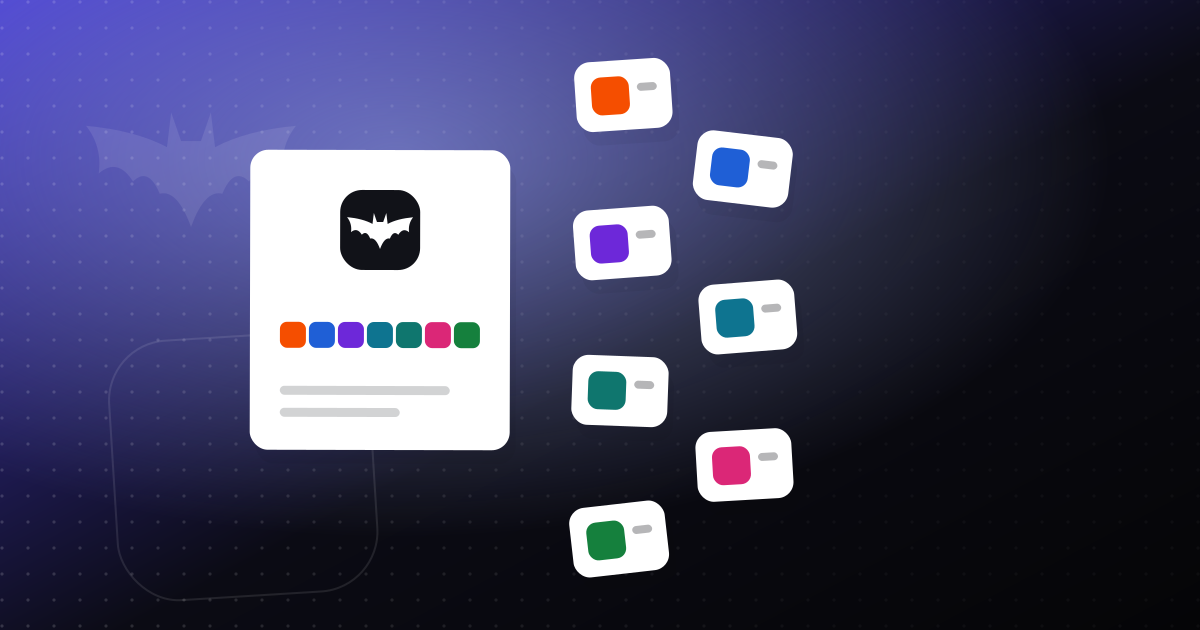
A suite is a set of apps that share one account, one plan and usually some common pieces, like storage or billing. OfficeBats, for example, covers PDFs (PDFbat), Word documents (DocsBat), forms (FormsBat), invoicing and accounting (BooksBat), and websites (Buildan.app), with one sign in, one plan and one AI credit wallet.
Separate tools
The other approach is to choose the best tool you can find for each job, from whichever companies make them. You might use one tool for e-signatures, another for accounting, another for forms and another for your website. Each has its own account, its own plan and its own strengths.
Neither approach is automatically better. They trade different things.
Where a suite helps
Less admin
One account means one password and one two-factor setup, and one place to sign out of everything. One plan means one bill and one renewal date. For a small team, that is real time saved, and fewer accounts also means fewer places for security to slip. Our post on one account for every tool goes into this.
Shared resources
In a suite, resources can move with you. With OfficeBats, AI credits come from one wallet, so a busy month in one app and a quiet month in another balance out. Storage add ons apply across apps. With separate tools, each one has its own allowance, and spare room in one cannot help another. See AI credits explained for how the shared wallet works.
Work that flows across jobs
Many tasks cross boundaries: a form response becomes a document, a document becomes a signed contract, a contract becomes an invoice. When the pieces are designed together, that path tends to need less glue. For a worked example, see small business paperwork, from quote to payment.
One place to learn
Apps in a suite tend to share patterns, so learning one makes the next one easier. That matters if you bring on a new team member or a part time helper.
Where separate tools win
This is the part a suite maker might be tempted to skip, so we will be direct.
You need deep specialist features
A tool that does one thing can go very deep. If one job is central to your business, a specialist may have features a suite does not. For example, if you run payroll, our BooksBat keeps payroll records only. It does not calculate or file payroll taxes, so you would need a dedicated payroll service. BooksBat also has no live bank feed (you import statements instead), and it does not file taxes. If those things matter to you, a specialist tool may serve you better.
Your team already relies on something
If your team already knows a tool well and it works, switching has a real cost: retraining, moving data and the risk of disrupting work that is going fine. "It is in a suite" is not a good enough reason to change something that is not causing problems.
You need features we do not have
Every product has gaps. For example, DocsBat does not open the old .doc format, and BooksBat does not calculate payroll taxes. Check the specific features your team relies on before you switch.
You only need one thing
If you only ever need one job done, a suite adds little. Use whichever tool does that one job best for you. With OfficeBats, the Free plan covers all seven apps, so you can use just one, but you should still choose on merit.
A side by side view
| Factor | One suite | Separate tools |
|---|---|---|
| Accounts and passwords | One | One per tool |
| Bills and renewals | One | One per tool |
| Depth in any single job | Good for common needs | Can go deeper on one job |
| Moving work between jobs | Often built in | Needs connections or manual steps |
| Shared allowances (AI, storage) | Possible | Separate per tool |
| Switching cost if one part disappoints | Higher, parts are tied together | Lower, replace one tool |
| Learning curve | Shared patterns | Different for each tool |
That last trade off deserves a note. With separate tools, if one disappoints you, you replace that one. With a suite, the parts are more connected, so you want to be confident in the whole thing. A free plan is a good way to test that before you commit.
A simple way to decide
Work through these steps with your own situation in mind.
- List the jobs you do every month. Be concrete: "send 20 invoices", "collect intake forms from new clients", "get two contracts signed".
- Mark which jobs are critical. These are the ones where a gap would really hurt your business.
- For each critical job, check the details. Does the suite do exactly what you need? If not, that job is a candidate for a specialist tool.
- Count the accounts and bills. If your current setup has many tools that each do a little, the admin savings of a suite may be large.
- Think about data. Can you get your data out of each tool in standard formats (CSV, PDF, .docx)? Good export makes any choice less risky.
- Try before you move. Run one real piece of work through the new setup before moving everything.
Two quick examples
A freelance designer sends a few quotes and invoices a month, gets contracts signed and keeps a portfolio site. None of those jobs needs specialist depth, and they connect to each other. A suite is likely a good fit.
A growing shop runs payroll for staff and needs a live bank feed. A suite could still handle documents, forms, PDFs and invoicing, with the team co-editing them, but payroll and bank feeds point toward specialist tools for those jobs. A mix makes sense here.
Questions worth asking any vendor
Whichever way you lean, ask these questions of every tool you consider, including ours:
- What happens to my data if I leave? Can I export it, and in what formats?
- How is my account protected? Is two-factor available?
- Are my documents used to train AI models?
- What are the limits on the free plan, and what do paid plans add?
For OfficeBats, our answers are on the security and pricing pages.
The short version
- A suite saves admin, shares resources and makes cross job work smoother.
- Separate tools win when you need specialist depth, already rely on something that works, or need a feature the suite lacks.
- A mix is often the most practical answer.
- Decide by listing your jobs, marking the critical ones and testing with real work.
If you want to see whether a suite fits, you can create a free OfficeBats account and run a real task through it. If it does not fit, you have lost nothing but a few minutes.