AI credits explained: how one wallet works across seven apps
How OfficeBats AI credits work: monthly allowances, credit packs, which credits are used first, why costs vary by task, and how to make them go further.
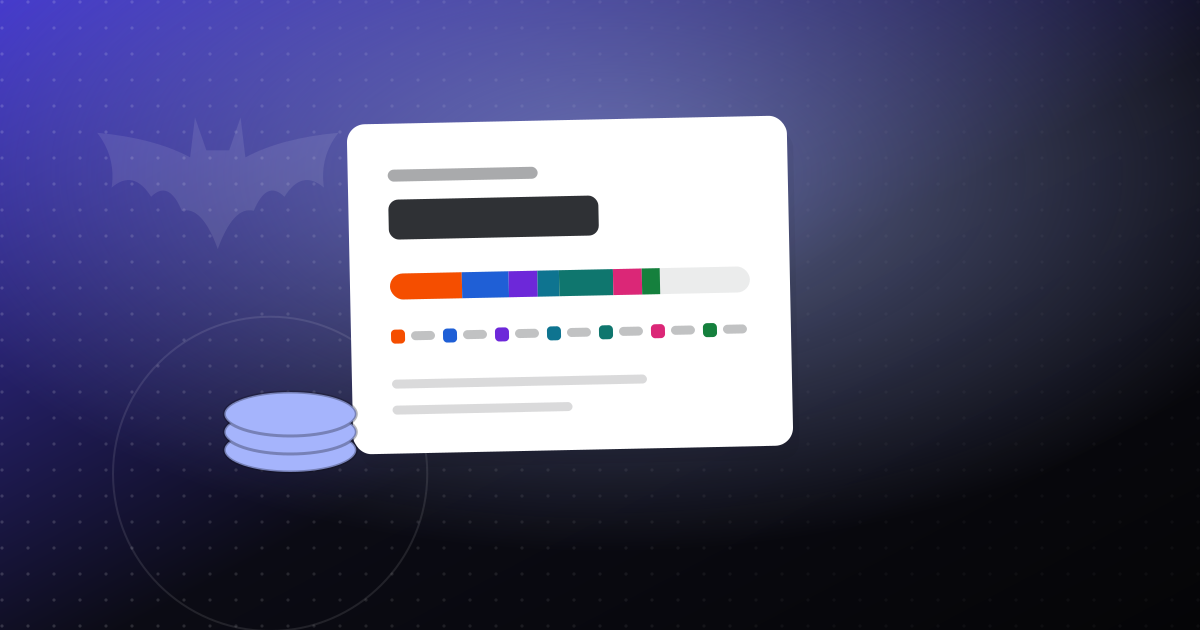
Every OfficeBats account comes with AI credits. You can spend them in any of the seven apps: PDFbat, DocsBat, FormsBat, BooksBat, Buildan.app, SlidesBat and SheetsBat. There is one wallet, not seven, so credits you do not use in one app are available in the others.
This guide explains where credits come from, how they are spent, why one task can cost more than another, and what to do if you run low.
What AI credits pay for
Credits pay for the AI features across the suite. A few examples:
- PDFbat: chat with a PDF and get answers with page citations, summarize, translate a whole PDF, extract data to JSON or CSV, review contracts, and smart redaction of personal data.
- DocsBat: ask questions about a Word document with page citations, summarize, translate, extract data, review contracts and draft text.
- FormsBat: create a form from a description, or translate a form into other languages.
- BooksBat: draft an invoice from a pasted email or job notes, and scan receipts.
- Buildan.app: generate a website from a description of your business, and make AI edits that you preview before applying.
Everything else in the apps uses no credits. Merging a PDF, converting Word to PDF, sending an invoice or building a page by hand in Buildan.app's visual editor costs nothing from your wallet. AI is only available to signed in accounts.
Monthly allowances and credit packs
Credits come from two places: the monthly allowance included with your plan, and packs you buy.
Monthly allowance by plan
| Plan | Price | AI credits each month |
|---|---|---|
| Free | $0 | 300 |
| Pro | $10.99/month or $109.90/year | 5,000 |
| Business | $19/month or $190/year | 20,000 |
Your monthly allowance refreshes each month.
Credit packs
| Pack | Credits | Expiry |
|---|---|---|
| $5 | 5,000 | Never |
| $10 | 12,000 | Never |
| $25 | 32,000 | Never |
Larger packs give you more credits per dollar. Pack credits never expire, so buying a pack is a safe way to keep a reserve for busy months.
Which credits are used first
When you run an AI task, the wallet always spends your monthly credits first, then your purchased pack credits.
This order is in your favor. Monthly credits refresh, so it makes sense to use them before touching credits you paid for separately. Pack credits sit untouched until your monthly allowance runs out, and because they never expire, they carry over for as long as you need them.
Here is a simple example. A freelance designer on Pro has 5,000 monthly credits and buys a 12,000 credit pack. In a quiet month they use 3,000 credits: all of it comes from the monthly allowance, and the pack stays at 12,000. In a busy month they use 8,000 credits: the first 5,000 come from the monthly allowance and the remaining 3,000 come from the pack, leaving 9,000 in the pack for later.
Why costs vary from task to task
One credit equals $0.001 of AI usage. That means the number of credits a task uses depends on how much AI work it takes, not on a flat price per button.
In practice, size is what matters most:
- Asking one question about a short document uses a small amount, because there is little text to read and a short answer to write.
- Summarizing or translating a long PDF uses more, because the AI has to process every page.
- Generating a full website in Buildan.app involves planning a sitemap and writing every page, so it uses more than a single AI edit to one section.
This approach keeps things fair. You are not paying the price of a large job when you only need a quick answer, and large jobs cost what they actually take.
How to make your credits go further
A few habits make a real difference.
Be specific
A clear request gets a useful answer on the first try. "Summarize the payment terms in section 4" is cheaper and more useful than "tell me about this contract", followed by three follow up questions.
Work on the part you need
If you only care about a few pages, extract them first. In PDFbat, the Extract pages tool is free and does not touch your credits. Then ask your questions or run your summary on the smaller file. You can learn more about page tools in our guide to merging, splitting and organizing PDFs.
Use free tools where they fit
Not every job needs AI. Making a scanned PDF searchable with OCR, converting files, or filling and signing forms are regular tools. Save AI for the jobs where it actually helps, like asking questions across a long document. Our post on AI writing help that cites sources covers where AI is most useful.
Build by hand when you know what you want
In Buildan.app, editing in the visual editor uses no credits. Use AI to get a strong first draft, then make small changes like text, colors and spacing yourself.
Preview before you apply
Buildan.app shows AI edits on the canvas and applies them only when you approve. Take a moment to check the preview, so you do not spend credits redoing an edit you did not want.
What happens when you run out
If your monthly credits and pack credits are both used up, AI features pause until you add more. Everything that does not use AI keeps working as normal. Your files, forms, invoices and websites are not affected.
You have two options:
- Top up with a pack. Buy a $5, $10 or $25 pack and the credits are available to use. Since pack credits never expire, any you do not use now are there next month.
- Wait for your monthly refresh. Your plan's allowance refreshes each month. If you can wait, there is no need to spend anything extra.
If you find yourself topping up most months, compare your options. Moving from Free to Pro raises your monthly allowance from 300 to 5,000 credits, and Business raises it to 20,000. Plans also unlock other features across all five apps. The pricing page has the full comparison.
Questions people often ask
Do I need separate credits for each app?
No. There is one wallet for your OfficeBats account, and every app draws from it. We explain why we set things up this way in One account for every tool.
Do unused monthly credits roll over?
The monthly allowance refreshes each month. If you want credits that last, packs never expire.
Are my documents used to train AI models?
No. We do not use your documents to train AI models. You can read more on our security page.
The short version
- One wallet covers PDFbat, DocsBat, FormsBat, BooksBat, Buildan.app, SlidesBat and SheetsBat.
- Free includes 300 credits a month, Pro 5,000 and Business 20,000.
- Packs are $5 for 5,000, $10 for 12,000 and $25 for 32,000, and they never expire.
- Monthly credits are used first, then pack credits.
- 1 credit is $0.001 of AI usage, so bigger tasks cost more and small ones cost less.
- When you run out, top up with a pack or wait for your monthly refresh.
The easiest way to get a feel for it is to try a few AI tasks on the Free plan and watch how your balance moves. Create a free account to start.